Formats
01
Load data
DICOM, Bruker, NIfTI, and custom formats.
Import clinical or preclinical DICOM, Bruker, MR Solutions, NIfTI, and custom datasets for DCE-MRI, DSC-MRI, or combined acquisitions.
Start using our software to process your DCE-MRI and DSC-MRI data accurately and precisely. Test out the state-of-the-art algorithms.
Core tools for importing, processing, modelling, and reviewing quantitative perfusion MRI studies.
Clinical and preclinical DICOM data from various scanner vendors, Bruker and MR Solutions raw-data format, NIfTI format, and custom formats on request. DCE-MRI, DSC-MRI or simultaneous DCE-DSC-MRI.
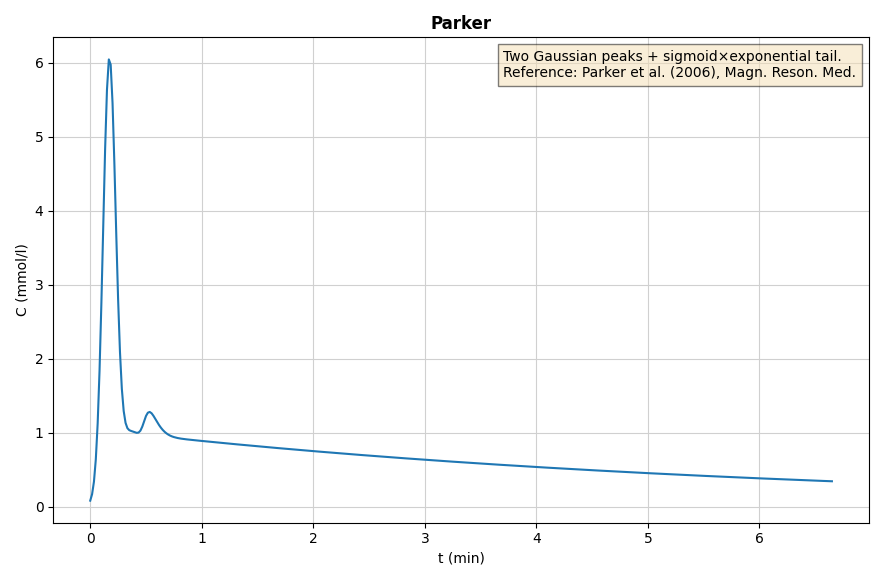
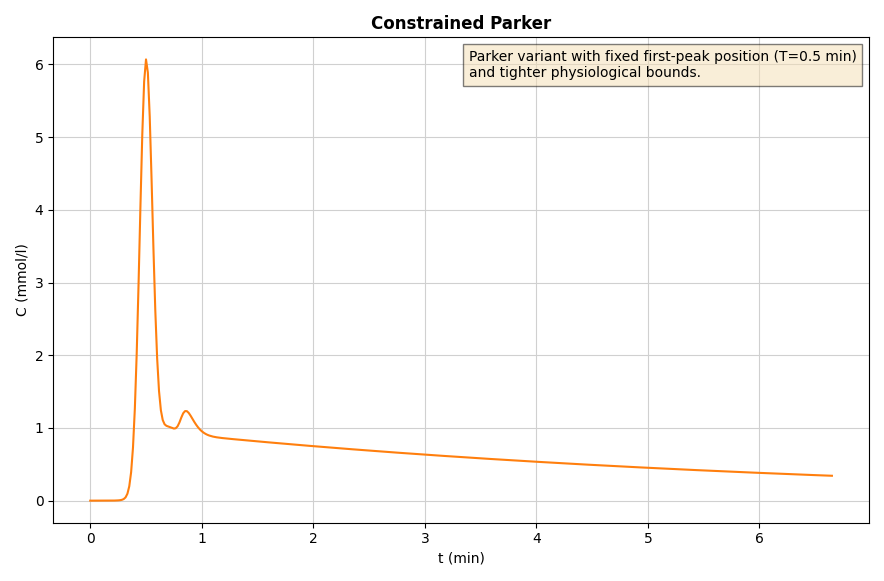
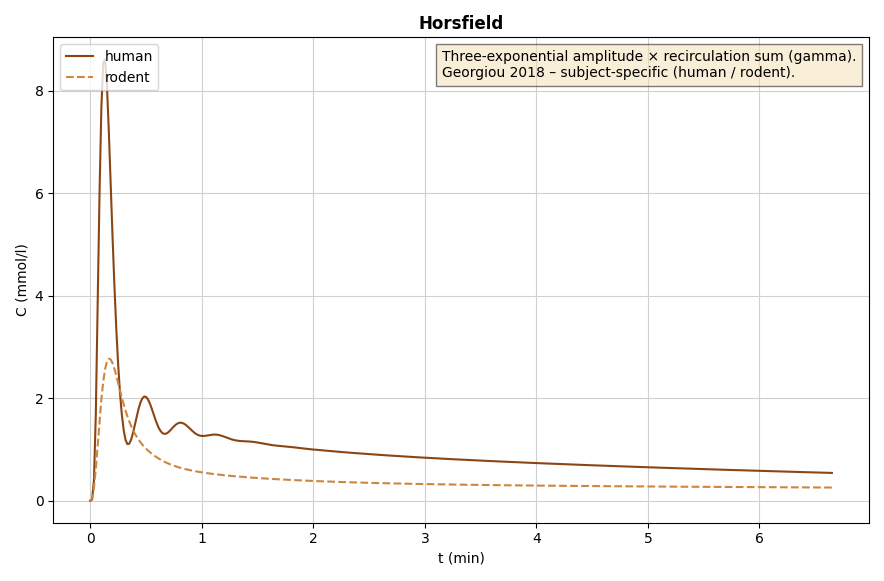
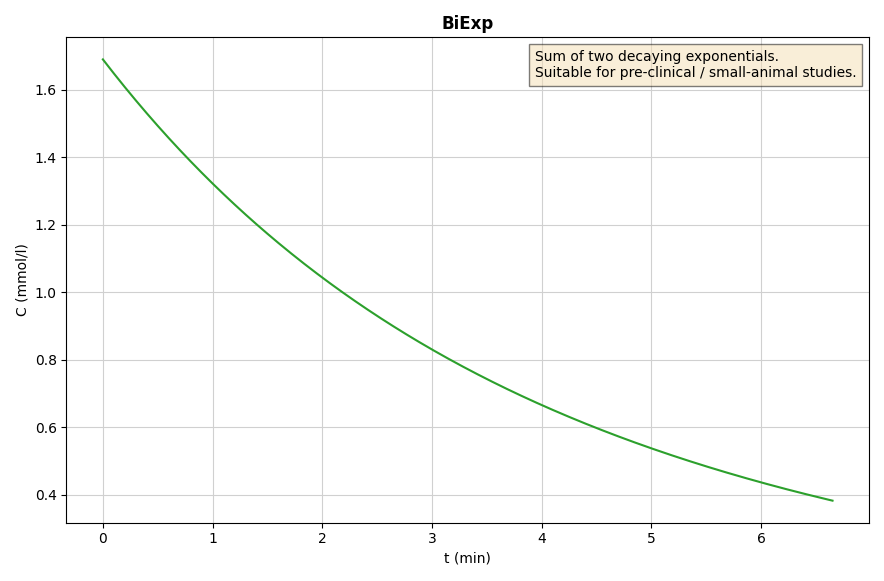
Pick the AIF that best suits your dataset: choose from our predefined set of AIFs, measure and scale the AIF within an artery, or use our blind-deconvolution estimation technique.
Automated processing pipelines and intuitive project management facilitate efficient handling of data. Support for batch processing enables scalable execution across multiple datasets.
We offer a unique algorithm calculating spatially regularized perfusion-parameter maps to ensure more reliable and spatially coherent results.
Integrated statistical evaluation enables rapid assessment of results, while providing export of full processing data and perfusion maps for your advanced workflows.
The software includes all commonly used pharmacokinetic models - Patlak, Tofts, extended Tofts, 2CX, ATH, DCATH, GCTT.
Move from raw dynamic MRI data to quantitative maps with one consistent, reviewable pipeline.
Formats
01
DICOM, Bruker, NIfTI, and custom formats.
Import clinical or preclinical DICOM, Bruker, MR Solutions, NIfTI, and custom datasets for DCE-MRI, DSC-MRI, or combined acquisitions.
02
Signal to contrast-agent concentration.
Transform MRI signal intensity into contrast-agent concentration using T1 maps, T2* maps, or signal-based models.
03
Population, arterial, or blind estimation.
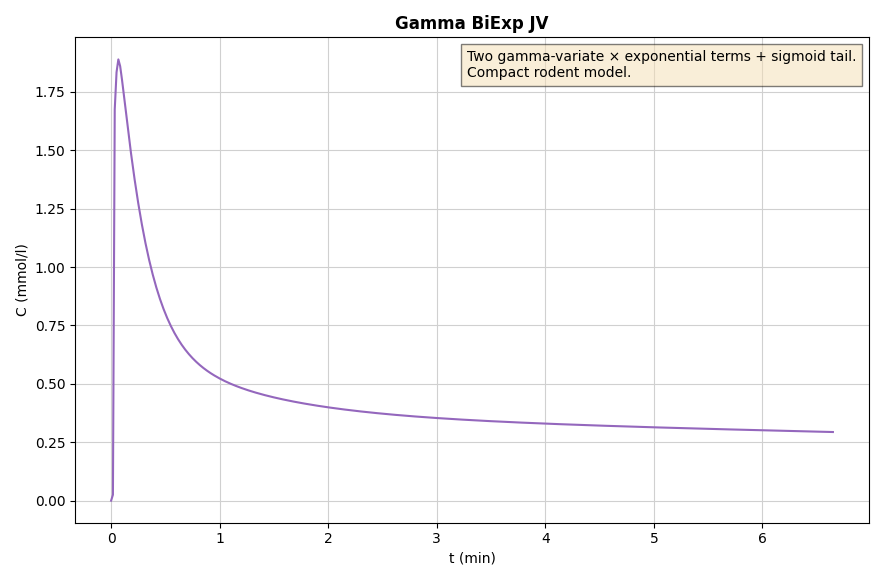
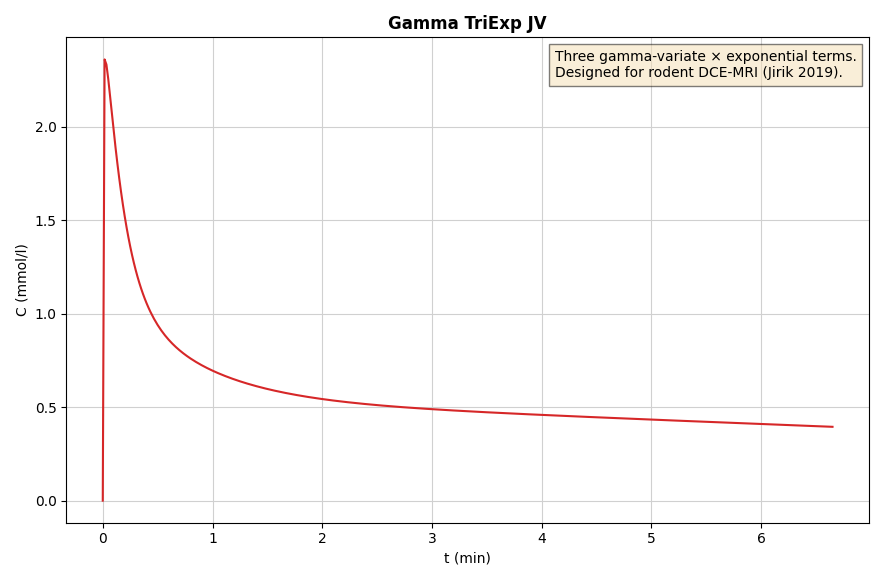
Select a predefined population AIF, measure it directly in an artery, or use blind deconvolution for automatic estimation.
PK Models
04
PK models with optional spatial regularization.
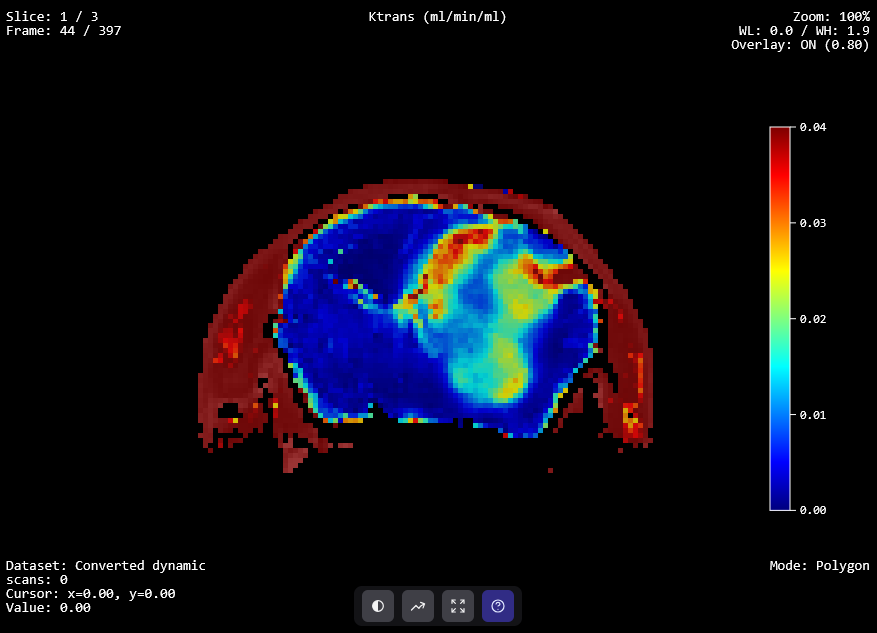
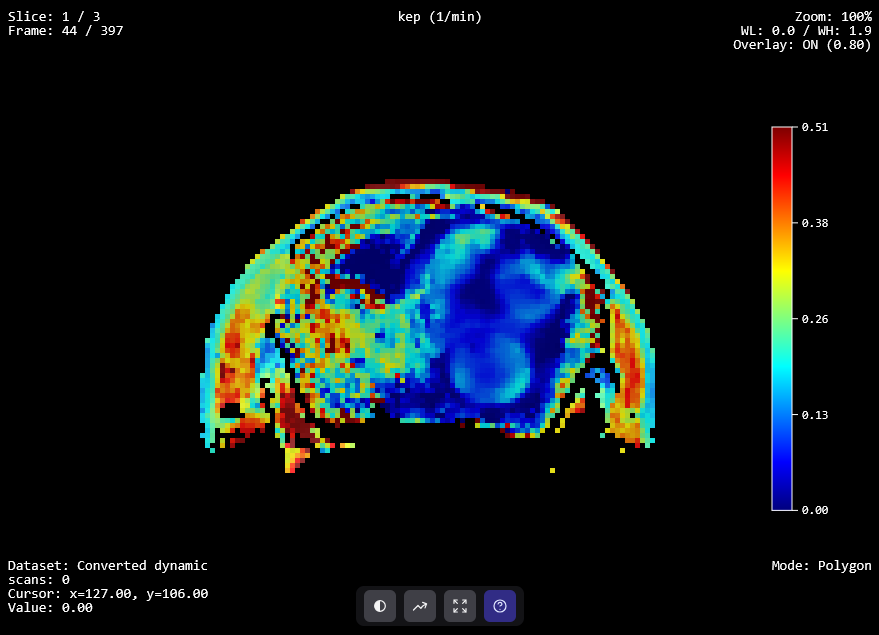
Fit established pharmacokinetic models and apply spatial regularization when coherent, robust parameter maps are needed.
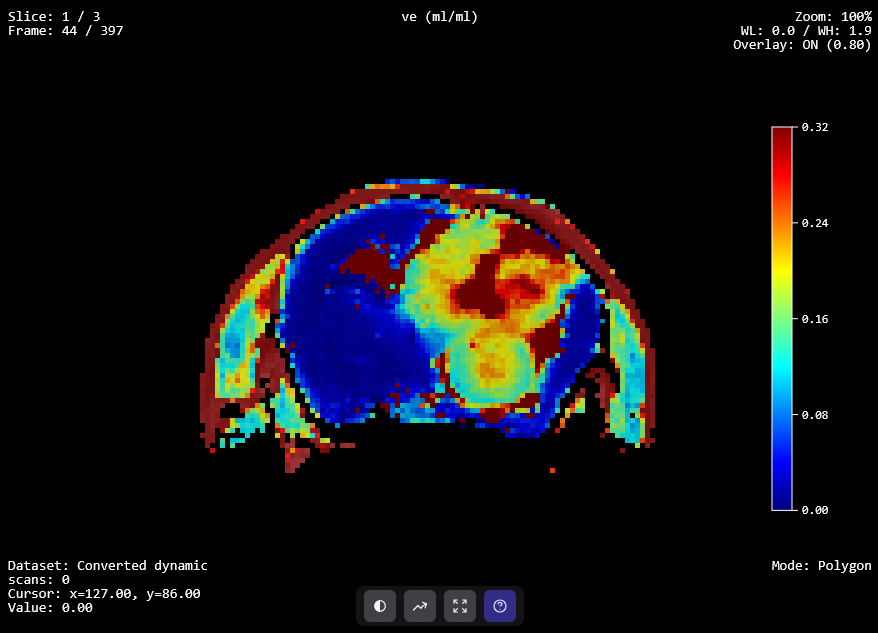
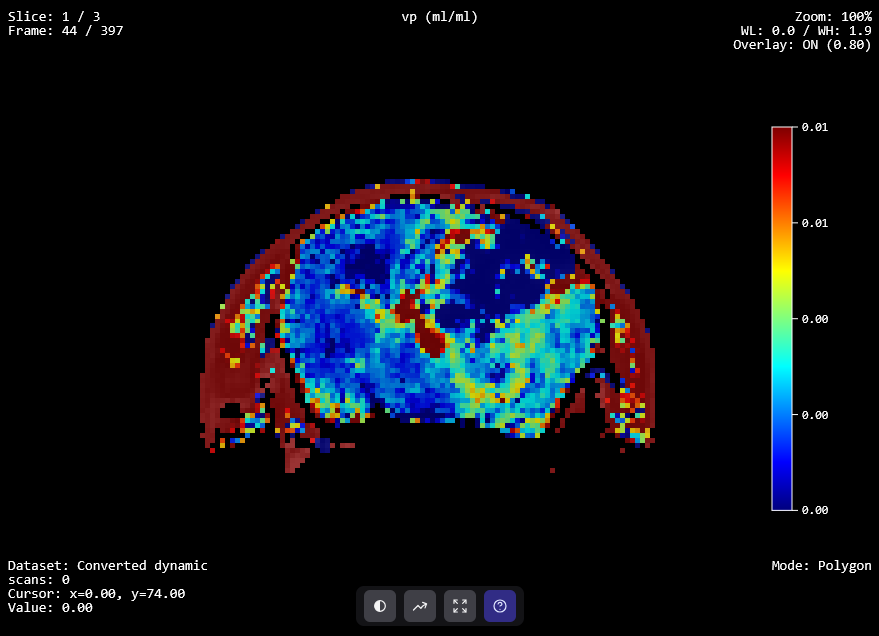
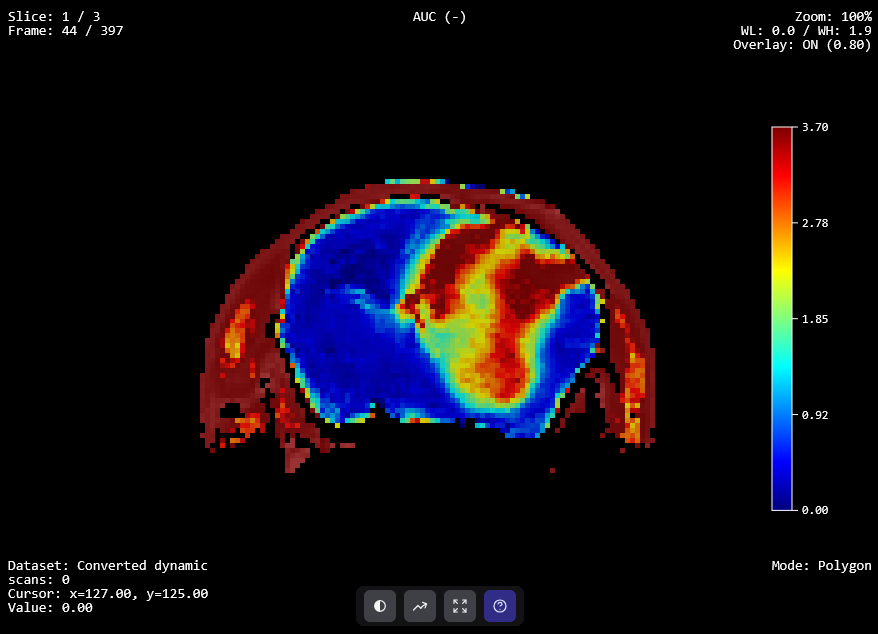
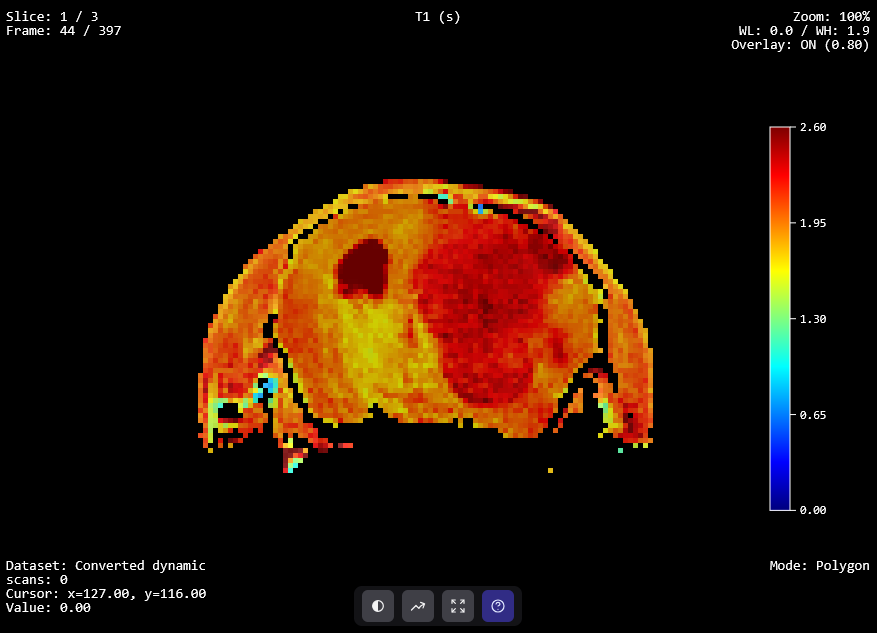
05
Maps, curves, statistics, and full export.
Review perfusion maps, inspect curves, run integrated statistical analysis, and export complete datasets for downstream workflows.
From preclinical MRI labs to oncology centres, PerfLab supports quantitative perfusion analysis wherever model transparency and reproducible outputs matter.
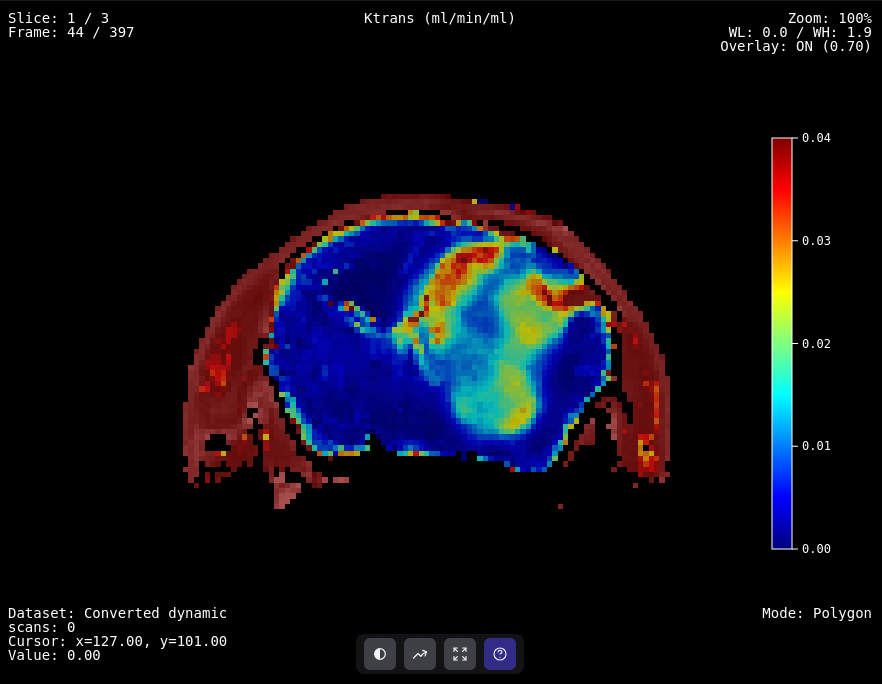
Preclinical oncology
DCE-MRI perfusion analysis supporting preclinical brain tumour research and treatment response assessment.
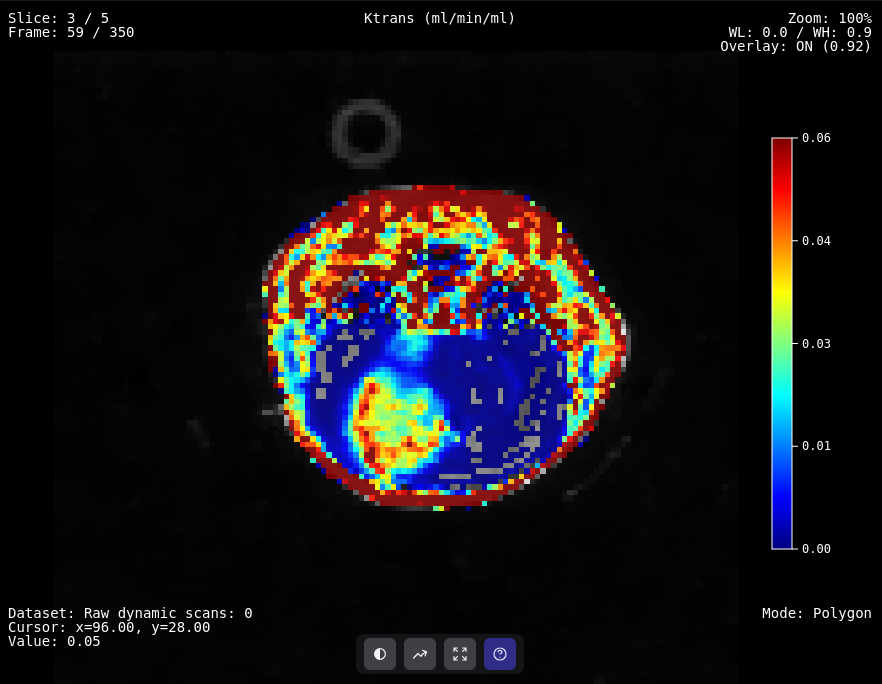
Preclinical oncology
DCE-MRI perfusion analysis of preclinical tumour data acquired after focused-ultrasound heating.
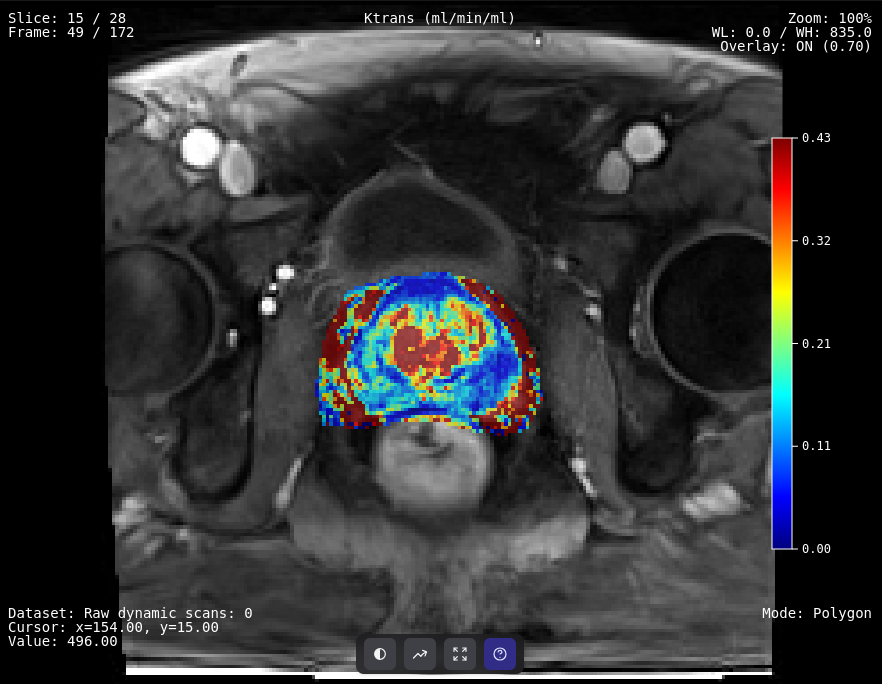
Clinical oncology
DCE-MRI perfusion maps for prostate cancer diagnosis and PI-RADS lesion scoring.
Send us an email and we will set up an account for you.
Request accessFree of charge · Academic & research use
Or write directly to perflab@isibrno.cz · ISI of the CAS, Brno, Czechia